


8.0 Score
Razer being a peripherals company, they know how to get it right in more ways than one for gamers. The Razer Kiyo lineup of webcam is a niche product if you ask me, but for those who require this level of prowess in their webcam, then in this Razer Kiyo V2 Webcam review, you’ll find out what its good at doing.
Razer Kiyo V2 Webcam Review
Razer Kiyo V2 Sensor: Monstrous 4K Sony STARVIS Experience
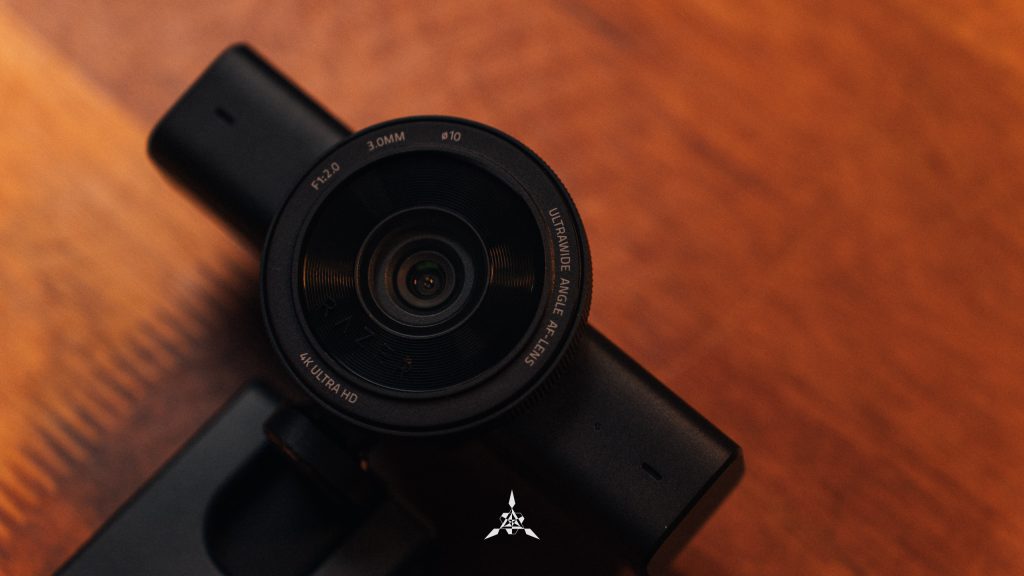
The reason why the Razer Kiyo V2 excels in outputting a good image and video quality lies in the sensor itself. Using a Sony STARVIS sensor for a webcam is overkill. This is the same kind of sensor you find in premium dashcams. Over here, you have an 8.3MP back-illuminated sensor and you know dash cams require sensors that excel in low light to capture details. Expect the same with this monstrous 4K sensor Razer has opted in for the Kiyo V2.

The Image quality from this camera is amazing in both well-lit and low-light conditions, you can check out the sample below. You won’t be disappointed in anyway possible and the Autofocus the camera has it’s a little slow but it does work but it does get super sluggish under lowlight as it is using every single resource at hand to brighten the image and track its subject.


And because it is a 4K sensor, you can use the in-sensor cropping feature to set your frame however you like.
Granular Controls in Synapse for a Webcam is (kind of) unheard of
Personally, I have used very little webcams and relied on my laptops built-in camera, tablets and smartphones. And the ones I have had are just simple plug-and-play with no additional software required. This is my first time with a webcam that uses a dedicated application to manage the camera experience and honestly, coming from a photographer and videographer, this camera is a match made in heaven for me.

Not only Razer Synapse offers a good bunch of features, it even gives you all sorts of control and let me list everything you can control:
- The resolution which can go all the way upto 4K as it is a 4K sensor
- Camera:
- Zoom, which is basically an in-sensor crop to set a certain zone
- Auto Focus with Center AF, Face AF and Tracking with Responsive or Passive
- Auto Exposure and Light Compensation
- Processing:
- MJPEG Quality, HDR, Low Light Compensation and Dynamic Noise Reduction
- Image:
- Image Presets, Brightness, Contrast, Saturation, White Balance, Anti Flicker and Mirror Video
- Mic:
- Adaptive Noise Reduction and Crystal Clear Voice Enhancement
Safe to say that I am going to have a hard time going for other webcam after experiencing this elite granular control which I have not seen personally. But this control can be adjusted via the Camo Studio, which I need to talk about as well as the additional feature it has brings more life to this camera.
Camo Studio ($100) Lifetime License brings the camera to Life

The software that really amplifies the experience of using a webcam is the inclusion of Camo Studio, in fact, you get a Lifetime License with this camera. With this software, you get to do a lot more things like tracking, similar to how Apple devices do Center Stage and other cool things like adding contact card onto your screen, other elements and such to truly customize your streaming experience. During one of my work calls, I even enabled the splash screen mode which puts up a blank screen with my contact up.

So, worry not, this camera is probably going to earn you brownie points at work for being that employee who knows how to represent themselves in a different work environment too. Perfect for board rooms and gaming rooms too. There are some other quirky features like when you do hand signs, the camera adds emojis and such, which is a fun way of having interaction for streamers with their viewers. All in all, a solid software bundled with the camera is a win in my books compared to getting a 3-month trial which would have shut the camera’s potential in a snap.
Razer Kiyo V2 Microphone: The built-in Mic is not too shabby either

Usually, most content creation-centric microphones would omit the microphone entirely, as many users would have their preferences. But to include one in the Razer Kiyo V2 was totally surprising. It isn’t going to blow your minds off; in fact, think of it as a laptop-grade microphone of sorts. Now, you shouldn’t compare the microphone on the camera to a headphone microphone because of how close those are to your mouth and could pick up every word you say. In our case, our laptop and the Kiyo V2 is about 45-50cm away from us, and so noise is introduced as well.
But Razer has included two features you can access via the Synapse: Adaptive Noise Reduction and Crystal Clear Voice. We recorded three different audio from the Kiyo V2 for you to hear and see which sounds better. We think that it’s okay and does get the job done, but it isn’t going to blow your mind. The ANR does have a low-cut, which is noticeable as some of the words I utter do go missing or are unheard. The one without both features sounds very raw, but I am audible, however, at the cost of picking up other noises as well. With the Crystal Clear Voice, we feel it’s very hard to tell the difference between the ANR.
That’s not all, to show that the Kiyo V2 sounds like a laptop microphone, we recorded a clip from our ROG Zephyrus G14, which helps with comparing as well. And finally, we recorded a clip from our trusty Logitech G 735 to show that having a near-field microphone does have its benefits.
But credit where it’s due, the Kiyo V2 Microphone is not too shabby when you travel and forget to bring a microphone for your spelltable sessions.
Physical Privacy Shutter is Appreciated

I will always appreciate a mechanical privacy shutter users could control it manually like this Razer Kiyo over a software-based privacy shutter which can only be done through an app. This does give a lot of peace of mind to the streamers and users who want to make sure that the camera isn’t compromised by any chance. This happens due to questionable applications downloaded by users and not by the camera makers, let me make that clear.

So, be vigilant and it’s nice to see a physical shutter. Currently there’s a LED indicator to show when the camera is turned on and being used. But in the future, I would like to see a light indicator for the microphone and perhaps a kill switch for the mic on the camera. I think that would be amazing. Would that be expensive? Probably. Would it be worth it? Definitely.
Conclusion
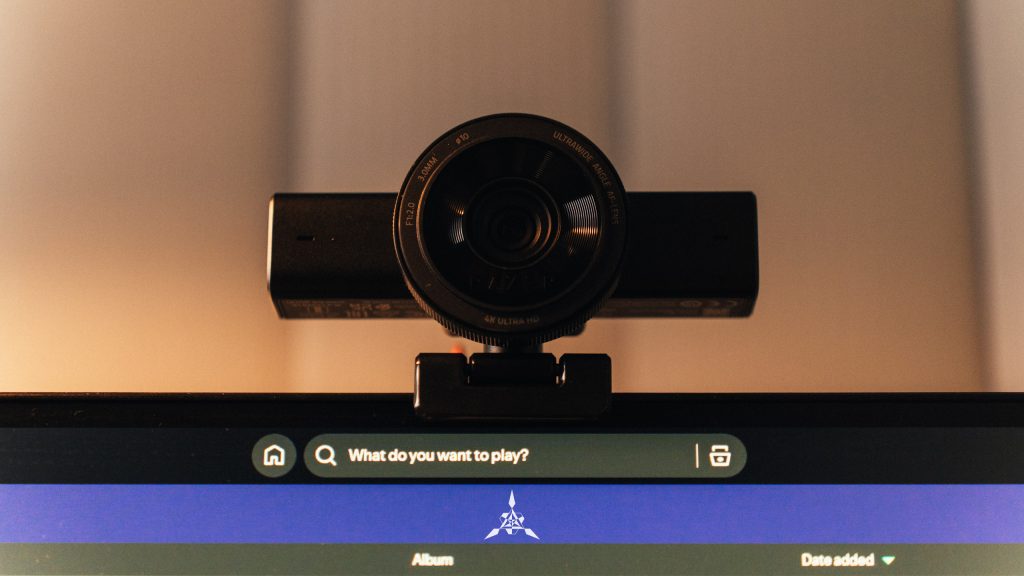
The Razer Kiyo V2 Webcam in the 4K configuration makes it a powerful tool for streamers to control all the way down to the granular level. In fact, with features like this, paired with the lifetime license for Camo Studio to amp up the experience, only proves that this camera is like the end-game webcam for Streamers and such. In my case, it is totally going to help me when I play Spelltable with my friends and moments where I do want to stream as well.
For RM 825, you are getting a crème de la crème webcam experience for gaming and more and I cannot find a fault in this product. I do get that it can be overkill for many users, and I am happy to share that Razer made a 1440p version and misses out on the AI features for RM 532.

For more tech, gaming, and lifestyle content, make sure to follow us on Facebook, Instagram and Twitter. Better yet, stay tuned to The Adventures of Vesper.
